Smart Shopping
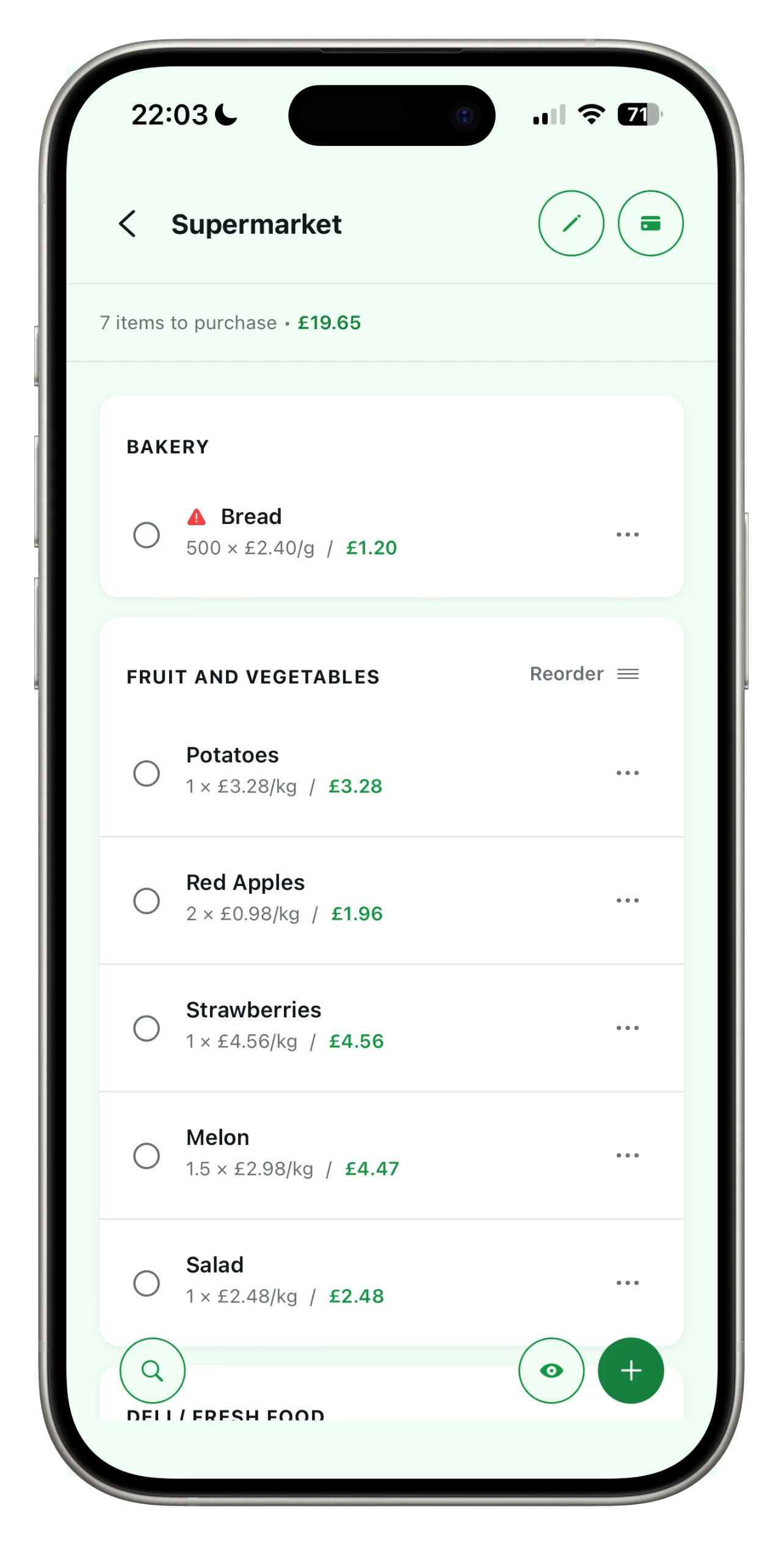
Lists organized by aisle, prices under control, and loyalty cards always with you. Spesary keeps together everything your home really needs — on iPhone, iPad, and Android.


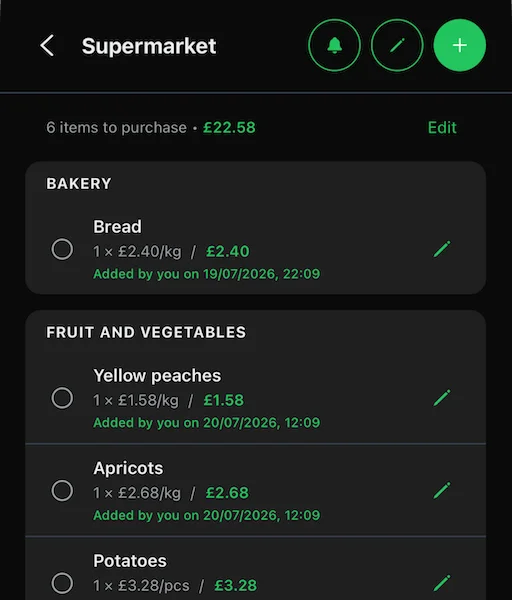
Sections, sorting, and quantities: shopping flows the way you think, from the produce section to checkout.
See the total as you add items, in euros or your currency. No surprises at checkout.
QR codes and links for family or roommates. Who added what — you know in real time.
Spesary was born from a grocery list we could not find. We tried many: some vanished from the market, others were tossed after one use, or tried to decide for us. So we started building our own — a list that stays, learns your supermarket layout, and keeps your loyalty card with it. Today we share it with you.
Spesary does one thing — household shopping — and does it well. Every feature is built for families, couples, and roommates who share a fridge.
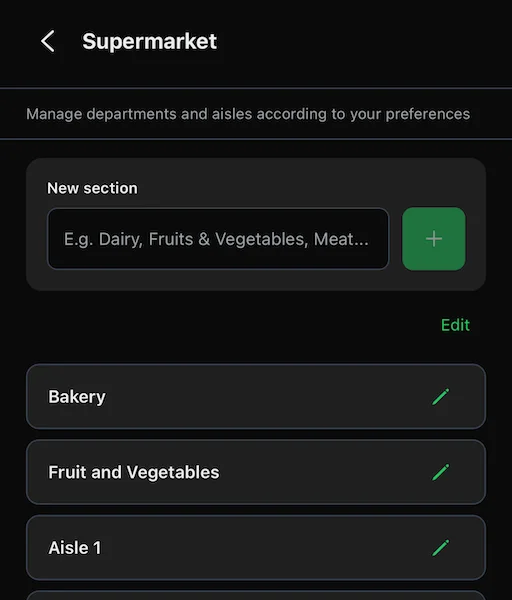
Produce, bakery, frozen: organize your list the way your cart moves. Drag, sort, reuse.
Add price and quantity, Spesary totals it up. Set your local currency, even when traveling.
See how much milk has changed over the last 6 months. Spesary learns from your purchases.
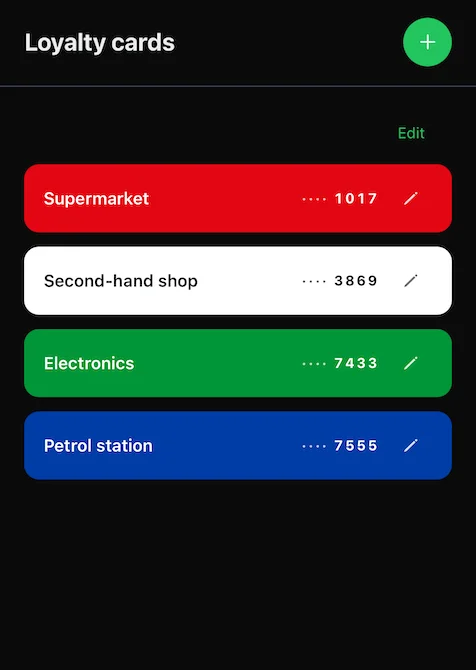
All your cards in one place, with barcodes ready at checkout. No more wallets full of plastic.
iPhone, iPad, Android. Everything synced to your account, in real time.
Sign in however you prefer. No passwords to remember, no extra data to share with us.
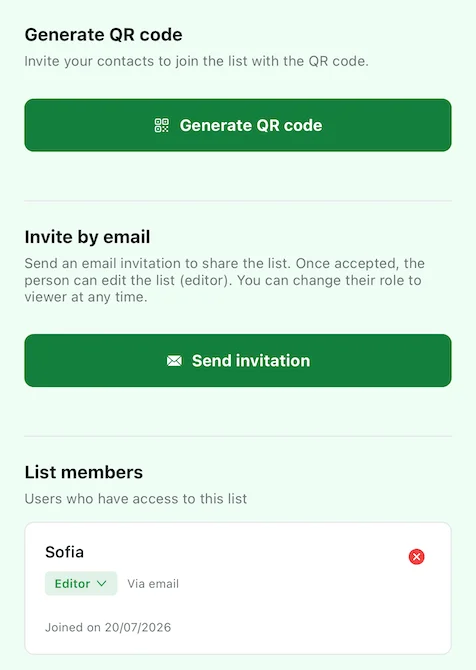
Invite your family in a second. Anyone with the link joins; revoke access whenever you want.
"Marco added Whole wheat bread." Know what's happening on the list even when you're in line.
No endless onboarding. In under a minute you have your first list ready to use with the whole family.
Open Spesary, give it a name, and go.
Add items, specifying the price and quantity. Organize them in the correct aisles.
With Pro, send a QR or link. The list updates in real time for everyone.
Every purchase goes into history. See what went up, what's a good deal, and where.
Add your cards once and Spesary keeps them all in one loyalty card wallet, ready whenever you need them: just show the barcode at checkout.
With a QR code or link, you create a shared shopping list in seconds. Works even for people without Pro — they just need Spesary installed.
The core of Spesary is free and will stay free, with no ads. Pro is for anyone who shares shopping with someone else.
Payment handled by App Store / Google Play. Renews yearly; cancel anytime from your phone settings.
Supermarket recalls, tips to save money, and ideas for more sustainable shopping.
The core of Spesary: up to 3 lists, sections and sorting, prices and currencies, price history, unlimited loyalty cards, and login with email, Google, or Apple. No ads.
Yes, creating a shared list is a Pro feature. But the people you invite don't need Pro: they just need Spesary installed (even the Free version).
From the list you want to share, tap the edit icon and open "Manage sharing." From there you can generate a QR code or send an email invite. Whoever receives it opens Spesary and finds the list ready to go. You can revoke access for anyone at any time. See full details in the shared shopping list guide.
Spesary is free. Try it in two minutes, keep it if you need it. The rest is up to you.