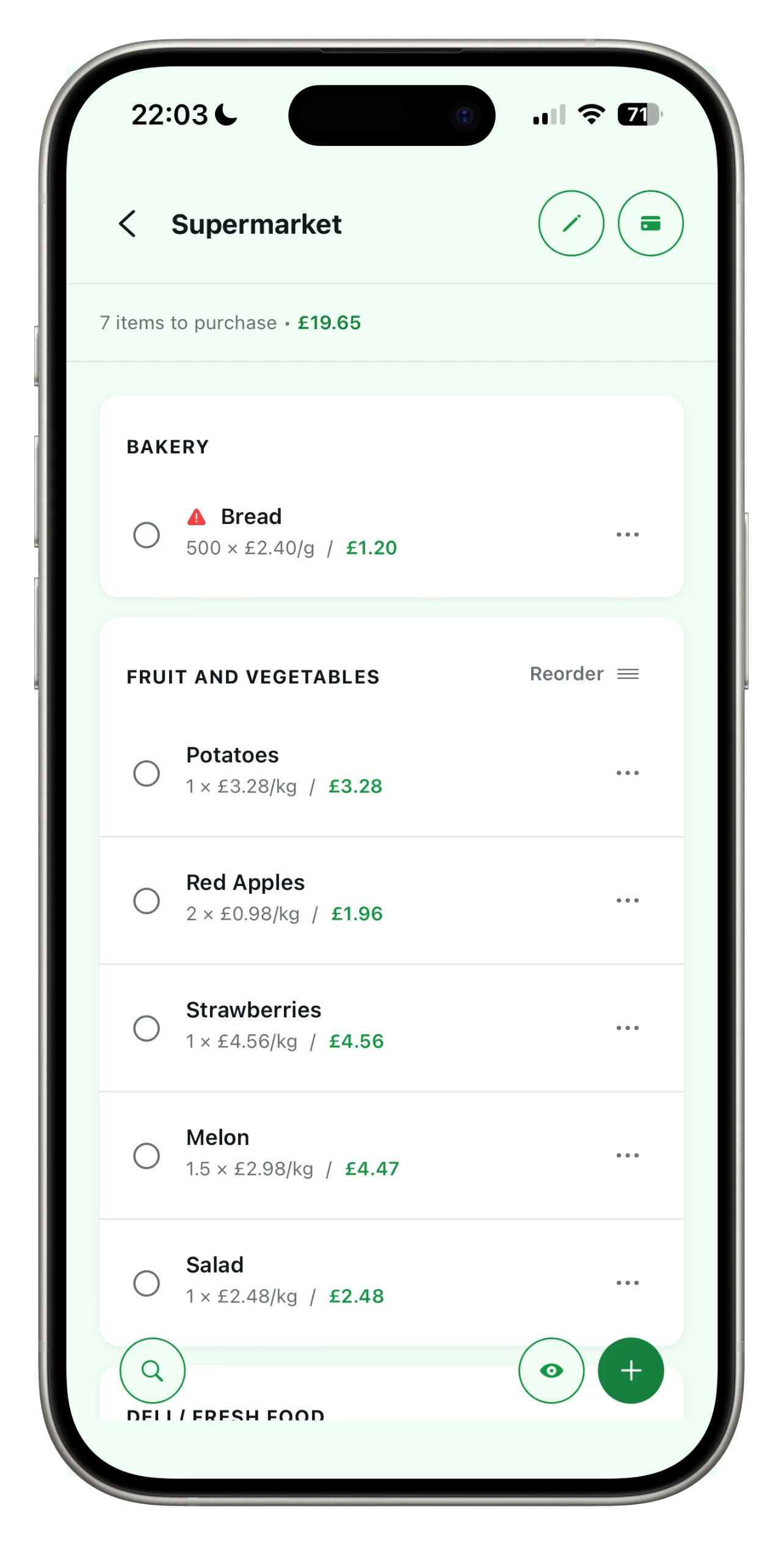
The full heart of Spesary: up to 3 lists, sections and sorting, prices and currencies, price history, unlimited loyalty cards, sync across your devices, and login with email, Google or Apple. No ads.
FREQUENTLY ASKED QUESTIONS
FAQ
Plans, sharing, privacy, sync. If the answer is not here, write to us — we really reply.
Plans & Pricing
What's included in the free plan?
How much does Spesary Pro cost?
Pro costs less than a coffee a month. Payment is handled directly through the App Store or Google Play. It renews automatically, but you can cancel anytime from your phone settings.
Can I cancel my subscription?
Sure. Go to your phone settings → Subscriptions → Spesary and turn off auto-renewal. You’ll keep using Pro until it expires, then you’ll switch back to Free without losing your lists: you can reactivate 3 of the ones you already created.
I got a new phone. How do I restore my Pro purchase?
Open Spesary on your new phone, sign in with the same email/Google/Apple account, and tap “Restore Purchases” in settings. Pro will be active again with no extra payment.
Why is Spesary Pro a paid plan?
The core of Spesary (creating and using your lists) is and will stay free. The Pro subscription unlocks sharing with your family, creating all the lists you need, and keeping the app alive with no ads. There are no third parties paying to show you ads: the only revenue that lets us keep building it is you, if and when you decide you need to share.
Sharing & Family
Do I need Pro to share a list?
Yes, creating a shared list is a Pro feature. But the people you invite don’t need Pro — they just need Spesary installed, even on the Free plan. A single Pro subscription covers the whole family’s shopping.
How does sharing via QR code and email work?
From one of your lists, choose “Share.” You can generate a QR code or send an email. Whoever receives it opens Spesary and finds the list ready to go. You can remove anyone’s access at any time. See how the shared shopping list works in detail.
How many people can use the same list?
With Pro, there’s no practical limit on how many people can join a shared list. It’s designed for family or roommates — so small groups — but nothing stops you from inviting more.
How the App Works
How does price history work?
Every time you enter a product’s price, Spesary saves it along with the date. After a few shopping trips, you’ll have a table showing the trend, so you can see if you’re paying more or less than usual.
What languages is the app available in?
Spesary is available in Italian, English, French, German, Spanish, Portuguese, Dutch, Polish, Romanian, Czech, Slovak, Hungarian, Croatian, Slovenian, Greek, Catalan, Maltese, Swedish, Norwegian, Danish, Finnish, Icelandic, Irish, Lithuanian, Latvian, Estonian, Japanese, Korean, Traditional Chinese, Malay, Arabic, and Hebrew. The language follows your phone’s system settings, but you can change it manually.
Account & Privacy
Is my data safe?
Communication between the app and our servers is encrypted (HTTPS/TLS). Your account and list data are stored on servers located in the European Union. We don’t sell your data and don’t use it for advertising profiling. You can delete your account from settings at any time.
Do I need to create an account to use Spesary?
Yes, an account is required. You can sign in with email, or use your Google or Apple account.
How do I delete my account?
In the app settings, under Account, you’ll find “Delete Account.” Deleting your account removes your data from our servers.
Your next shopping trip,
as simple as it gets.
Spesary is free. Try it in two minutes, keep it if you need it. The rest is up to you.