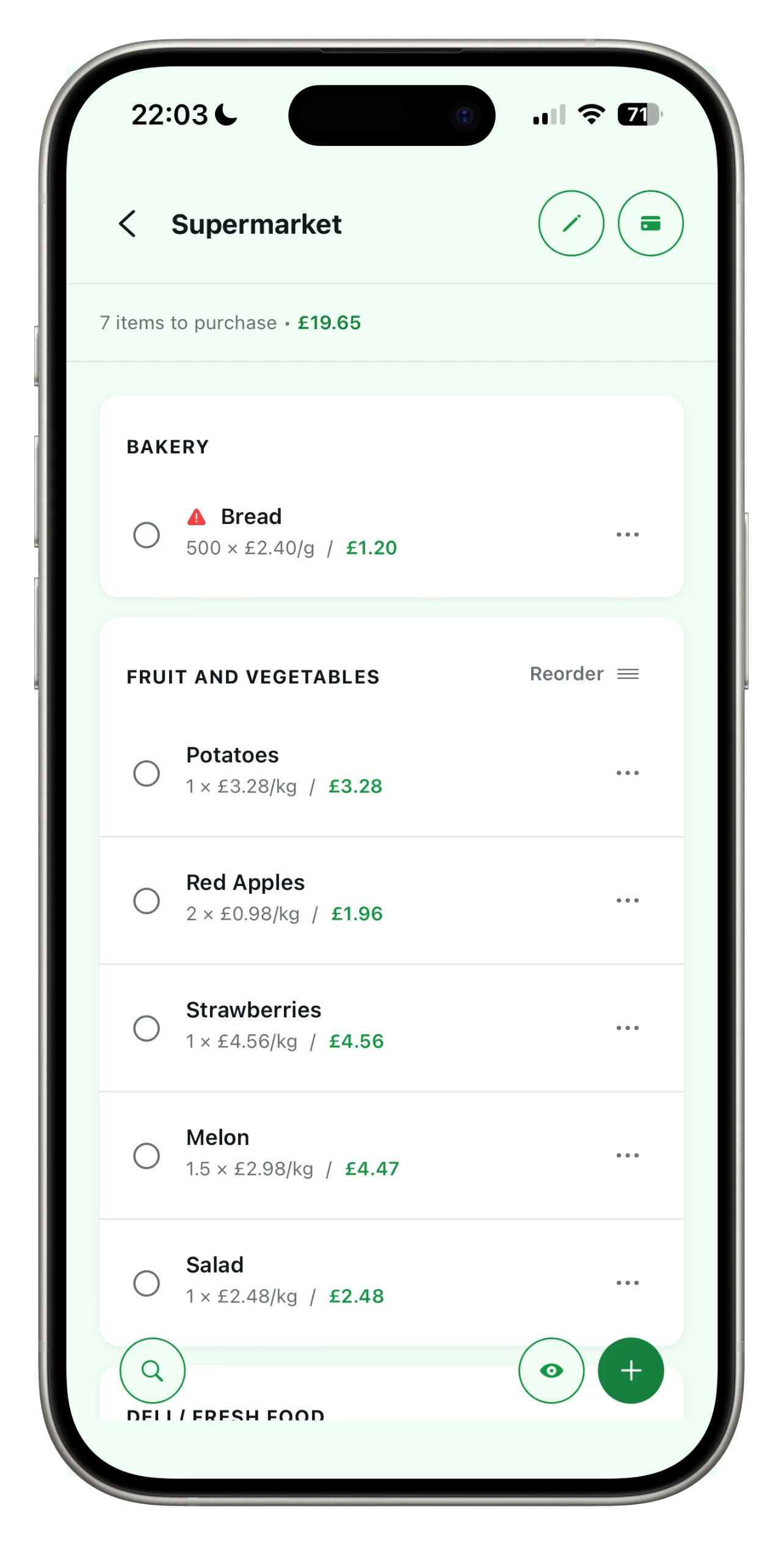
Add your loyalty cards
No more wallets full of plastic cards. Add your loyalty cards just once, and Spesary will display the barcode when you need it, ready to be scanned at the till.
Go to the ‘Loyalty Cards’ section
From the main menu, open your card collection. Tap ‘Add card’ to add a new one.
Scan the barcode
Point the camera at the barcode on the physical card: Spesary will recognise it and save it. Alternatively, enter the number manually.
Give it a name
Choose the supermarket so you can recognise the card at a glance. The card is now ready.
Link it to your list
From your shopping list, you can link a loyalty card so you have everything on a single screen.
Show it at the till
When you’re paying, open the card in the app: the barcode appears full-screen with maximum brightness, so the scanner reads it straight away.
Your next shopping trip,
as simple as it gets.
Spesary is free. Try it in two minutes, keep it if you need it. The rest is up to you.