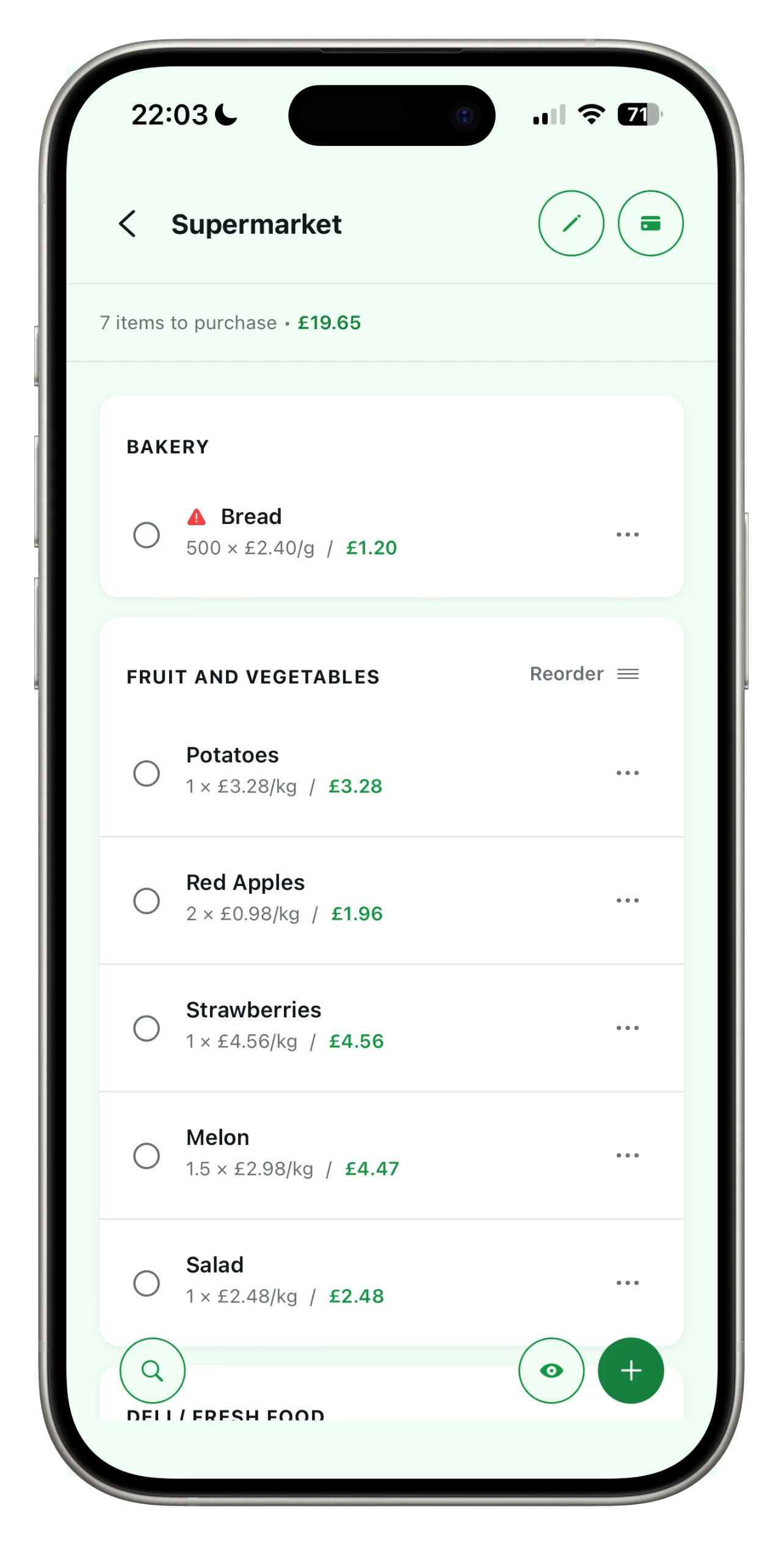
Create your first list in a minute
Spesary is designed to get you started straight away. There’s no need to set anything up: just open the app, create a list and start adding what you need. Here are the steps.
Tap ‘New list’
On the Lists home screen, tap the green ‘+’ button in the top right-hand corner, or ‘Create list’ if this is your first one. Give it a name – ‘Household shopping’, ‘Saturday guests’, or the name of your favourite supermarket.
Add the first item
Enter the product name and then click Save.
Enter the quantity and price (if you wish)
Edit an item to add the quantity, unit of measurement and price. These are optional, but if you enter them, the app will calculate the total cost and keep a record of the prices.
Tick items off as you shop
At the supermarket, tap the circle next to each item to mark it as purchased. If you’ve enabled the ‘Wink’ feature (the button at the bottom right), you’ll only see what’s still missing.
Your next shopping trip,
as simple as it gets.
Spesary is free. Try it in two minutes, keep it if you need it. The rest is up to you.