No limit — invite as many people as you want: partner, family, roommates.
ALL GUIDES
Shared shopping list: invite with a QR code or link
With Spesary Pro you can create a shared shopping list with anyone: partner, family, roommates. Changes appear in real time: if your sister adds milk while you’re already at the store, you’ll see it instantly. The people you invite don’t need Pro, and they don’t need to create an account.
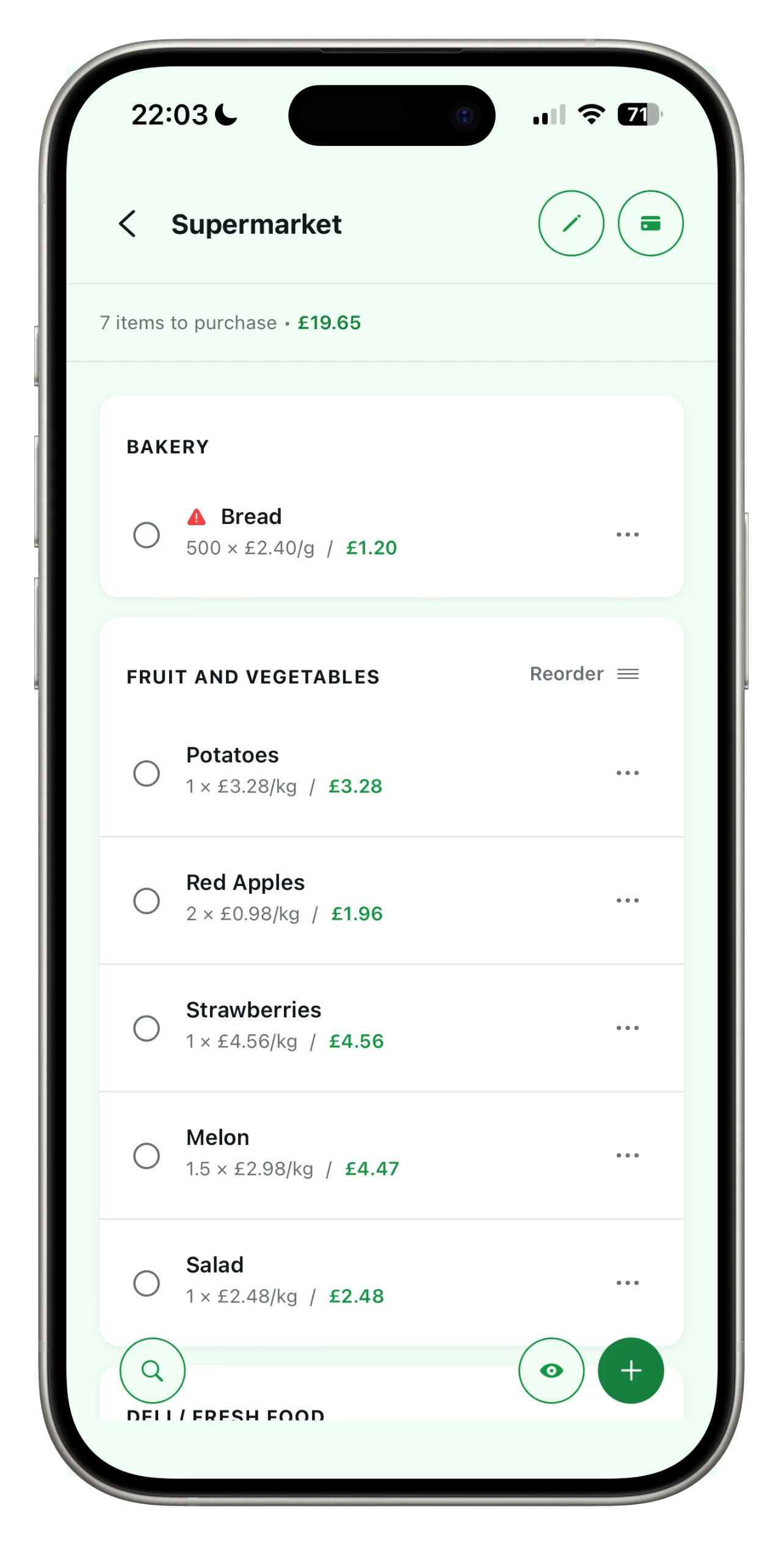
Open ‘Manage sharing’ in the list
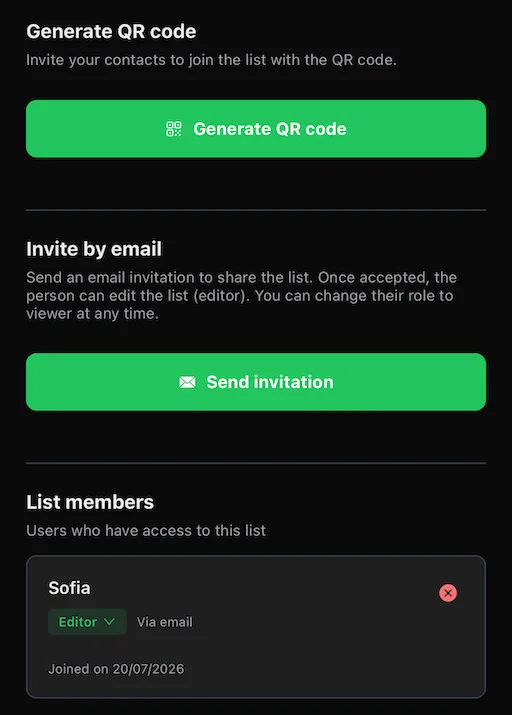
From the list you want to share, tap the edit icon at the top. In ‘Manage shares’, you can generate a QR code or send an invitation by email.
Invite anyone you want
Show the QR code to scan, or send the invite by email. For each person, choose their role: Editor, if they can add and change items, or Viewer, if they should only see the updated list. Once they accept, the list is ready in their app — no Pro required.
Great for couples, roommates, or the whole family: everyone sees the same list, always up to date.
Work together in real time
Everyone can add, tick off and edit items. See who has added what, and you’ll receive a notification alerting you to any changes, even when the app is closed.
Revoke access whenever you like
From the sharing screen, you can revoke access for anyone at any time. From that moment on, the link will no longer work.
Tip
One Pro subscription covers the whole family: the people you invite use Spesary Free and still take part in shared lists.
FREQUENTLY ASKED QUESTIONS
About this guide
How many people can I add to a shared shopping list?
Does everyone I invite need Spesary Pro?
No. Only the person who creates and shares the list needs Pro. Everyone invited uses it for free.
Are changes really instant?
Yes. If someone adds or checks off an item while you're at the store, you'll see it right away, even with the app closed (via notification).
Can I remove someone's access later?
Yes, anytime from the sharing screen. The link stops working immediately.
Can I control what each person can do?
Yes. Set each person's role to Editor (can add and edit items) or Viewer (can only see the list).
Next guide
Create your first list in a minute
Your next shopping trip,
as simple as it gets.
Spesary is free. Try it in two minutes, keep it if you need it. The rest is up to you.